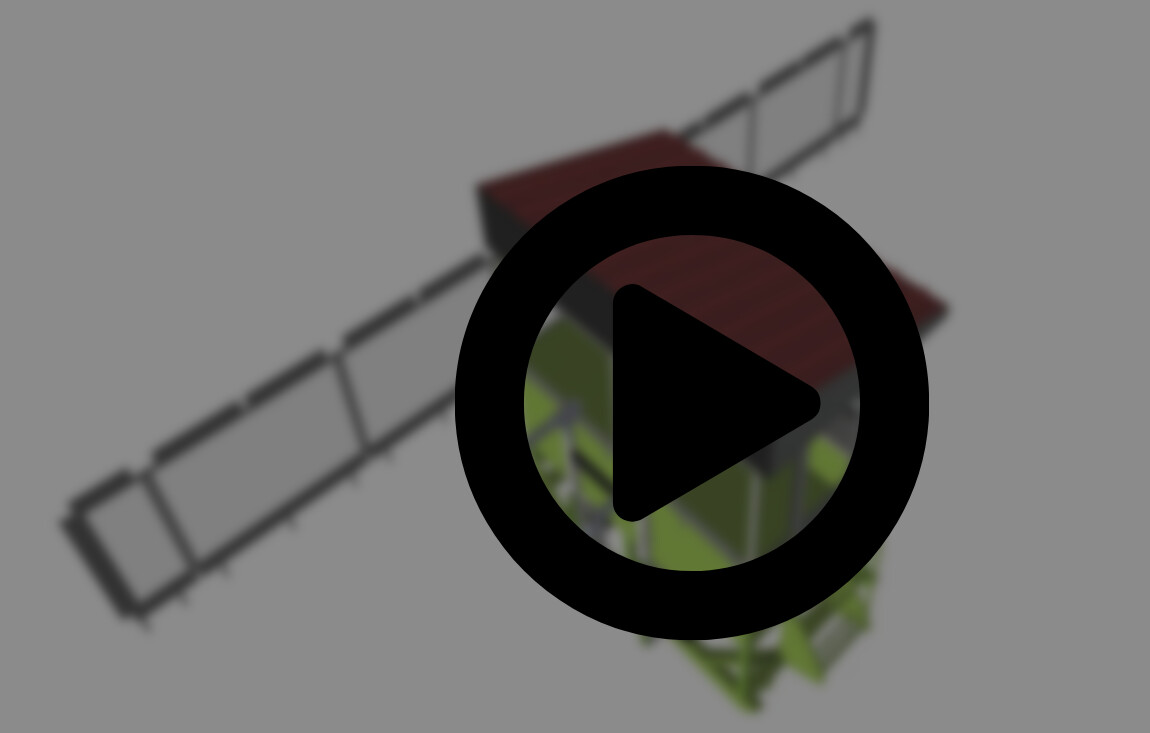
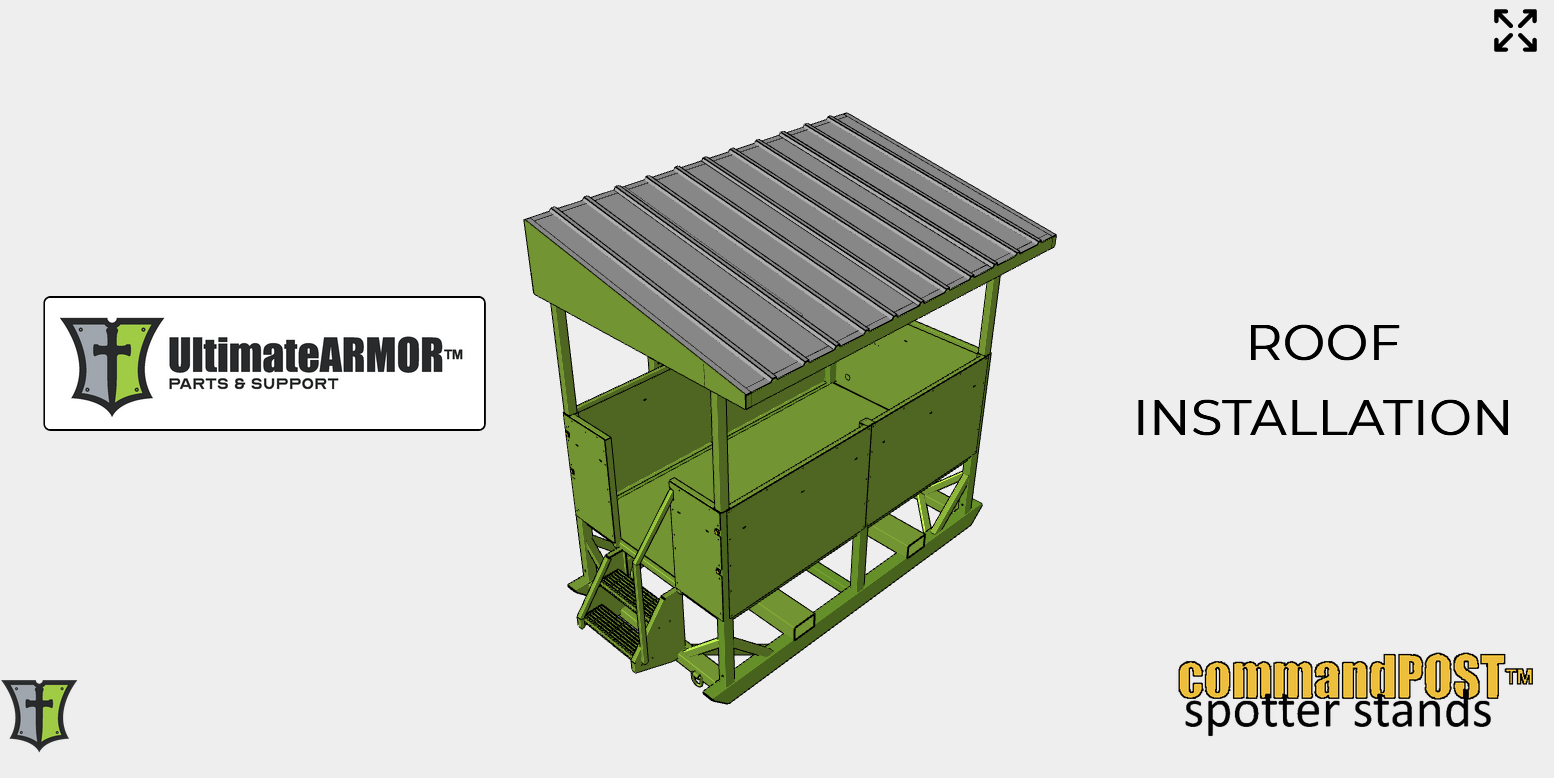
When we upload a model it has to have any and all models in it to be use during the creation of our project. After publishing, the screen that loads with the “Play” button on it. It shows our uploaded model with all the components turned on. Which has a lot of lesser used items on it As compared to the initial step 1 image.
Is there a way to update that cached image to represent the step 1 page?
Hi @user20261 ,
Yes, you can change the image.
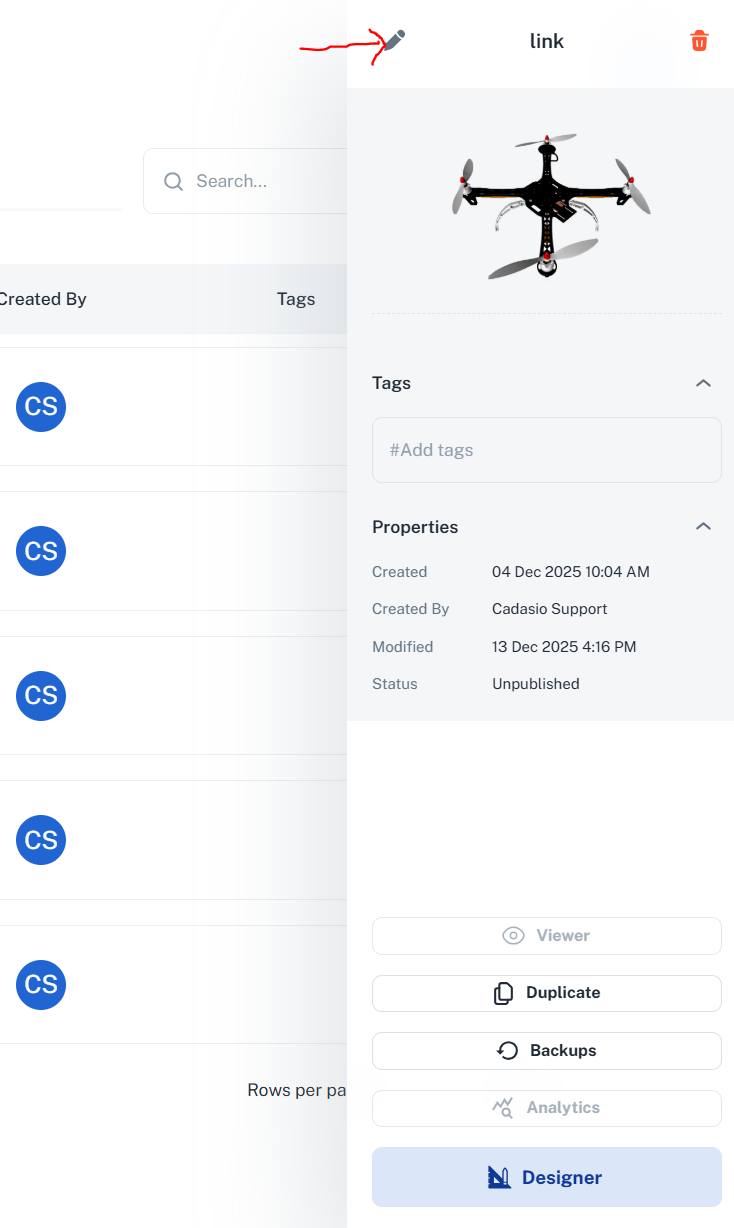
From the Cadasio dashboard click the relevant project, a details panel will slide open on the right, click the pencil icon at the top…
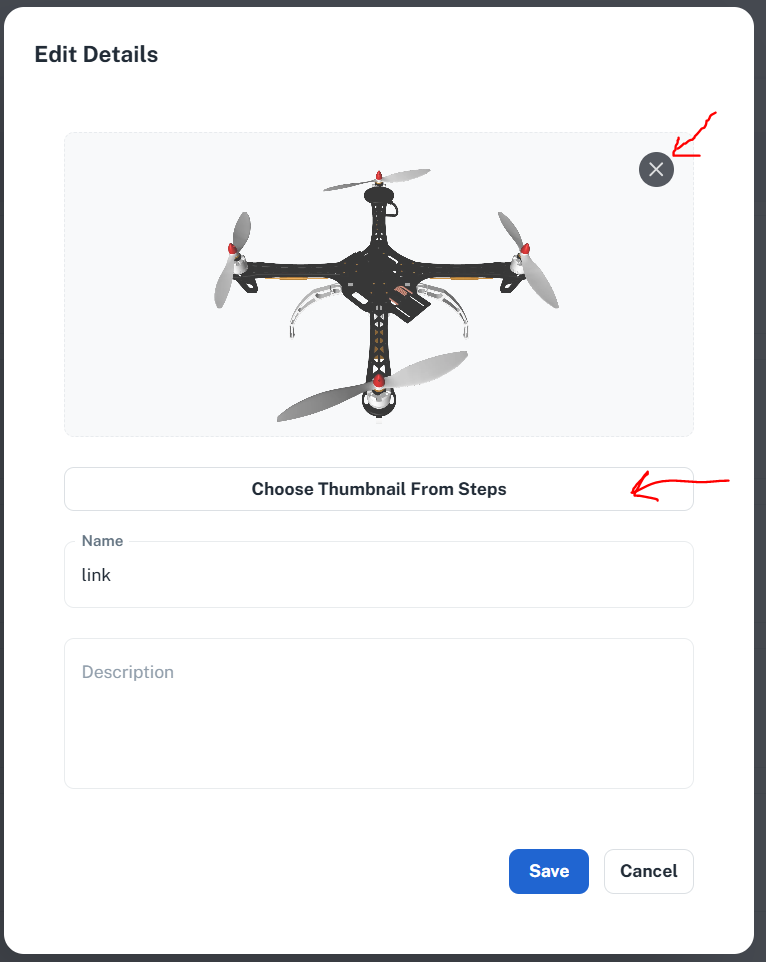
Now you can edit the projects details. you can upload a new image (clear the existing one using the cross in the corner) or pick an existing step image
Help this helps!
2 Likes