Hi,
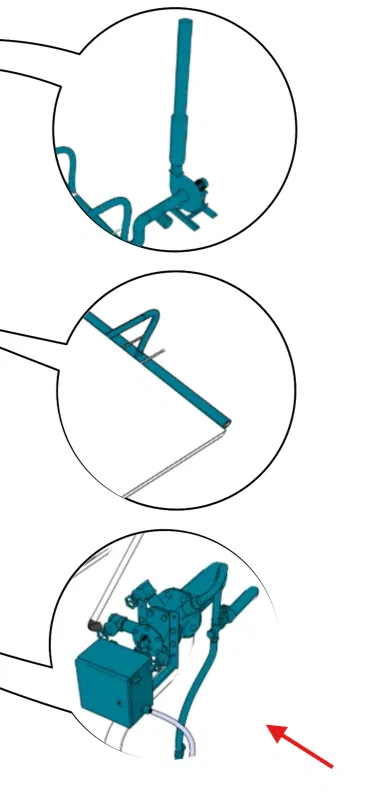
I’m seeing a visual bug when exporting images from Cadasio: the circular border of my Detail View bubbles gets a semi-transparent halo in the exported file, even though it looks perfectly clean inside the Designer editor.
This is a recent issue — it wasn’t happening before on my previous exports.
What I’ve tested:
- Looks fine in the editor itself — sharp, solid circle border.
- The halo only appears after exporting to image.
- Export format is WebP.
- Happens with every Render Style — no difference.
- Happens without any scaling of the detail view (freshly created, not resized).
- Not related to background transparency — tested with opaque background too, same result.
Screenshot attached, arrow pointing to the affected bubble border.
Thanks!