Hi,
My company uses complex builds within solidworks, using sub assemblies within subassemblies, etc. I have imported my top level assembly into cadasio and am now trying to reference item numbers with corresponding Top level assemblies.
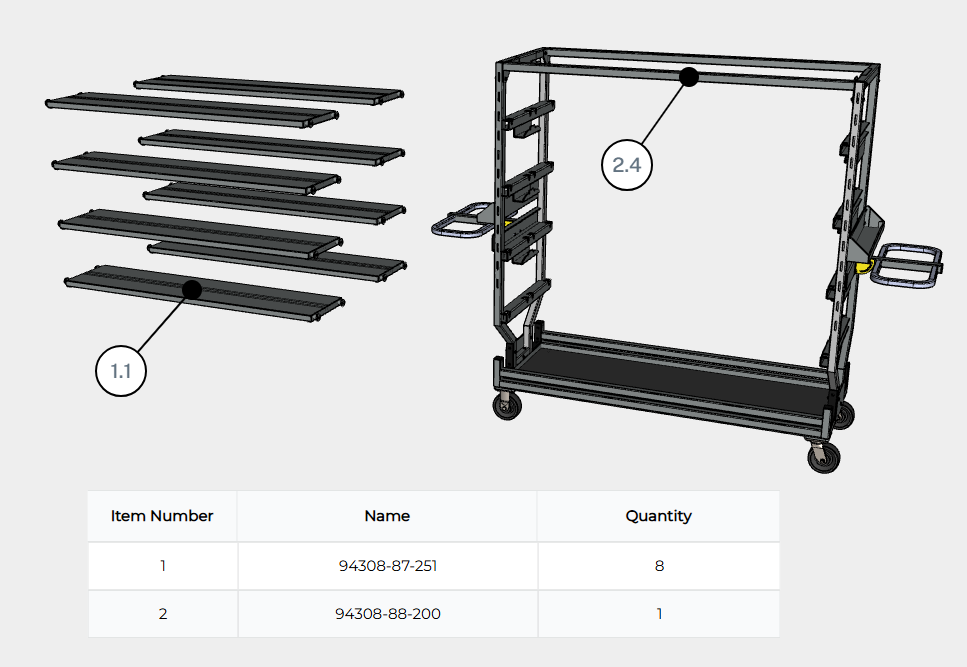
The table set to ‘top level’ displays the correct information, however the item balloons still show more detailed numbering (i.e. 3.1.1 instead of just 3).
Am i doing something wrong?
Hi. I have made a video that hopefully will help here. I will email you the link.
Best Regards,
Tim.
1 Like
Hi
I have the same issue, can you please send me the link to this video?
Best Regards
Hi,
Please see link in your email
Best Regards,
Tim.
same here, please send me the link
Could I also get this link please.
I’d like to know how to do this as well. I inserted a “top level” bom and would like my item number balloons to match those numbers. I’ve attached an image of what I’m getting. I would simply like to see a “1” and a “2”. Is it possible to do this without manually editing metadata in cadasio?
Hi @user20973 ,
I suspect this is becuase you are attaching the balloon to a specific part. If you are in assembly selection mode (toggle using shortcut key A) it should pick up the assembly number automatically.
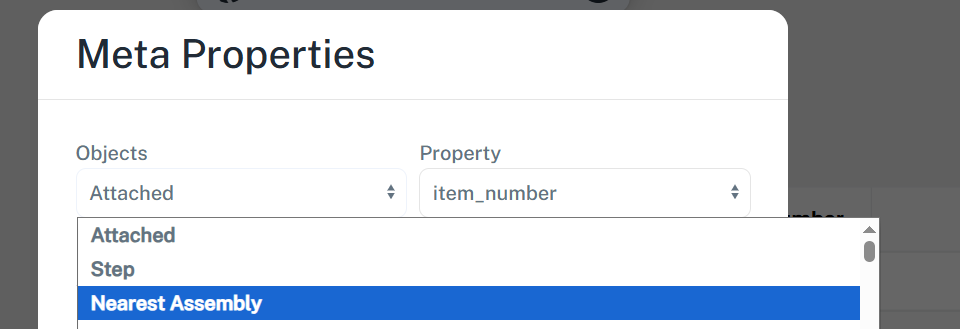
Also worth pointing out that the meta properties in a balloon/text can link to the nearest assebly if you want it to …
Hello !
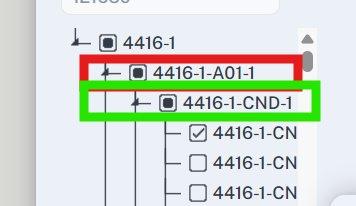
Can you tell me how can I Tag a meta-proprieties, in assembly mod, for the red or the green rectangle please ? (2nd or 3rd level )
A level of callout system maybe ? In order to tag the correct sub-assembly
Thank you and have a nice day ! 
HI @Alexis ,
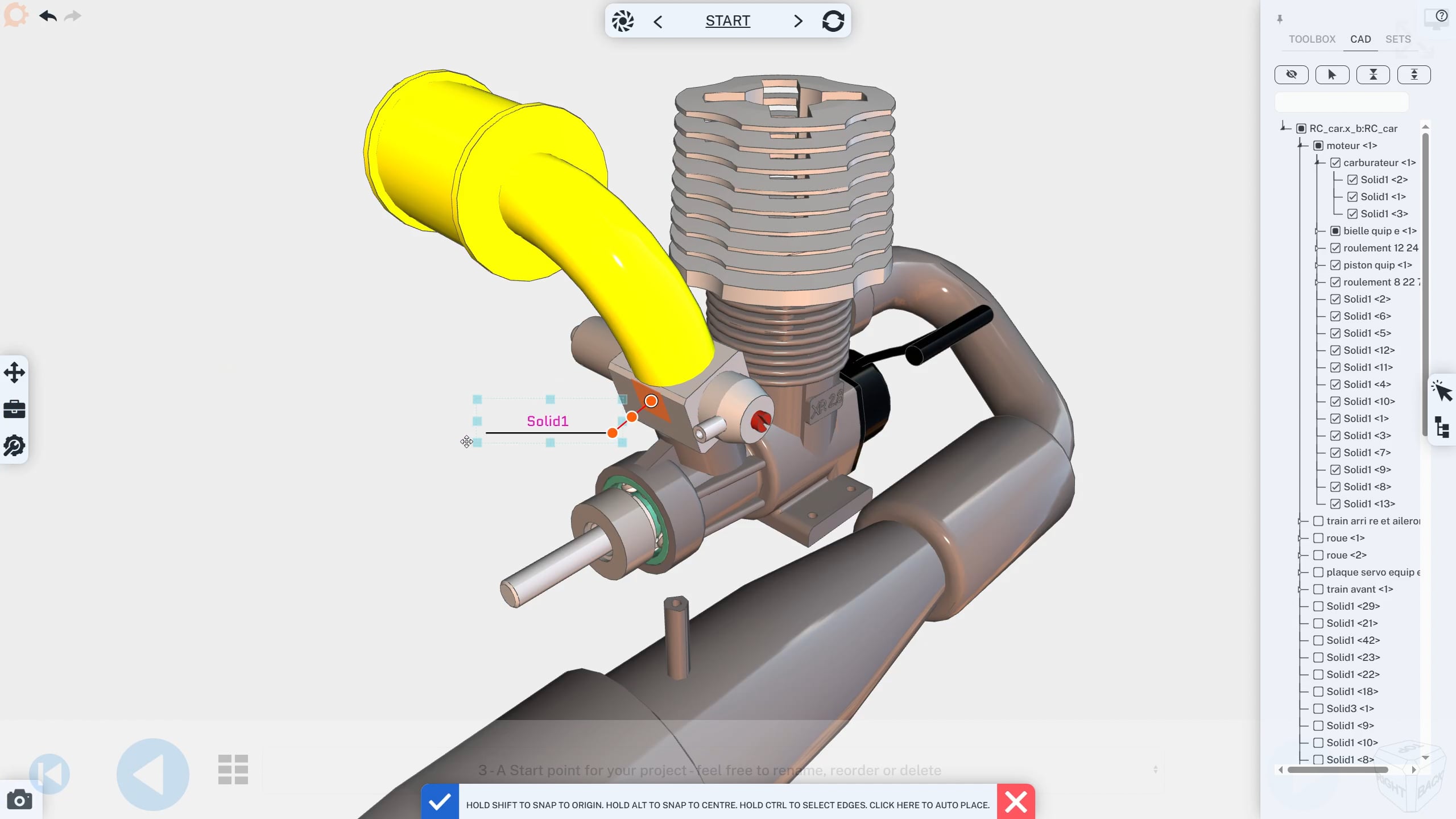
When you insert a label/callout, by default it picks up the meta properties of whatever it was attached to.
If you are in assembly selection mode (Press A to toggle) it picks the closest assembly (e.g. 1 level up).
If you require a different level assembly, you would need to manually select it when inserting the meta property.
Do the video below help?
Of course you could always just type the value manually too if you wanted.
1 Like